
SpotiLike-GUI
Save Spotify songs on-the-go while you’re listening to your Liked Songs library or your favorite playlists with custom hotkeys!
This app allows you to instantiate a global hotkey thread to save a currently playing Spotify song to your Liked Songs library or a playlist of your chosing. This lets you not have to re-open Spotify to like/save a song. I wrote this simple script because I found it annoying that I had to re-open Spotify just to save a song that I liked. I did not want to interrupt my workflow but at the same time didn’t want to miss a cool track either!
Screenshots
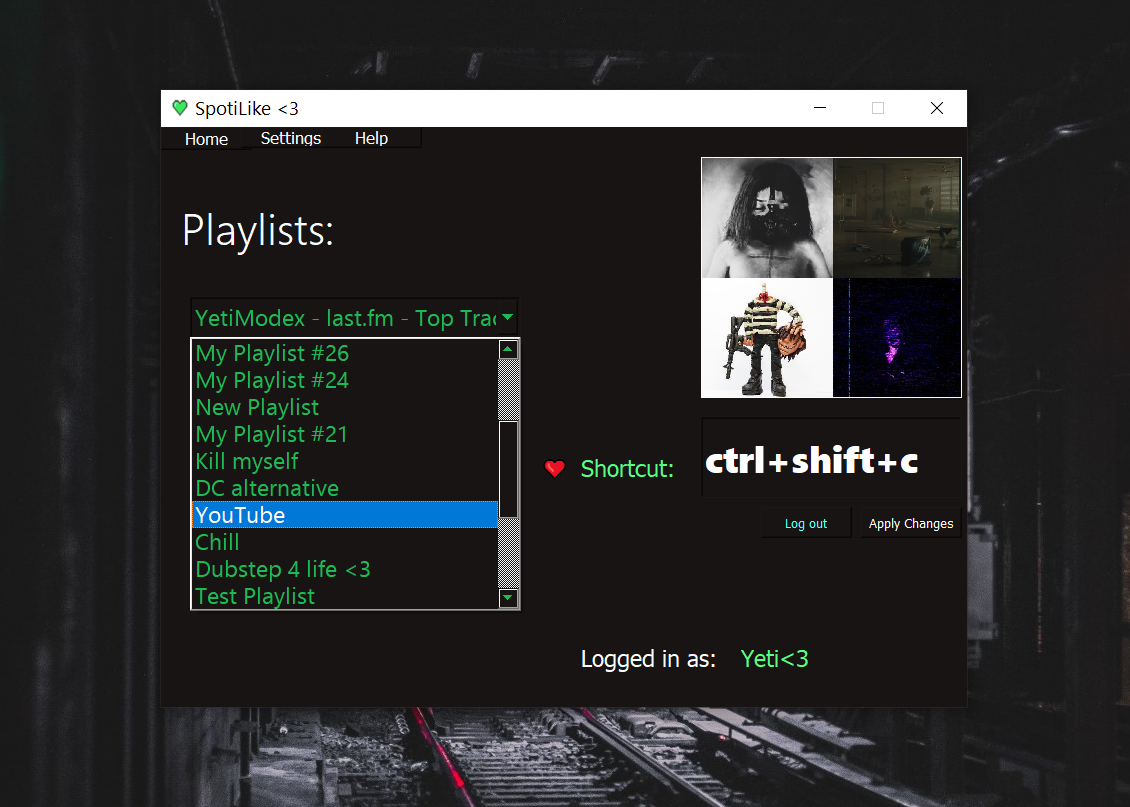
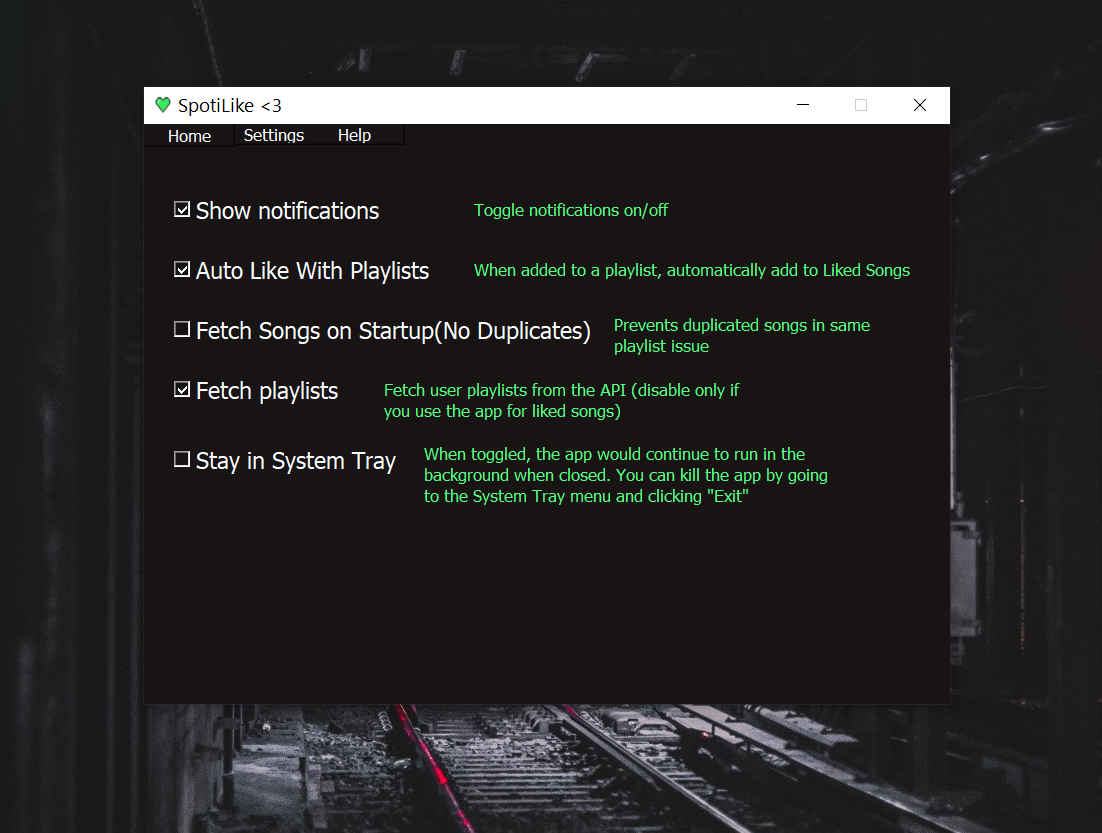
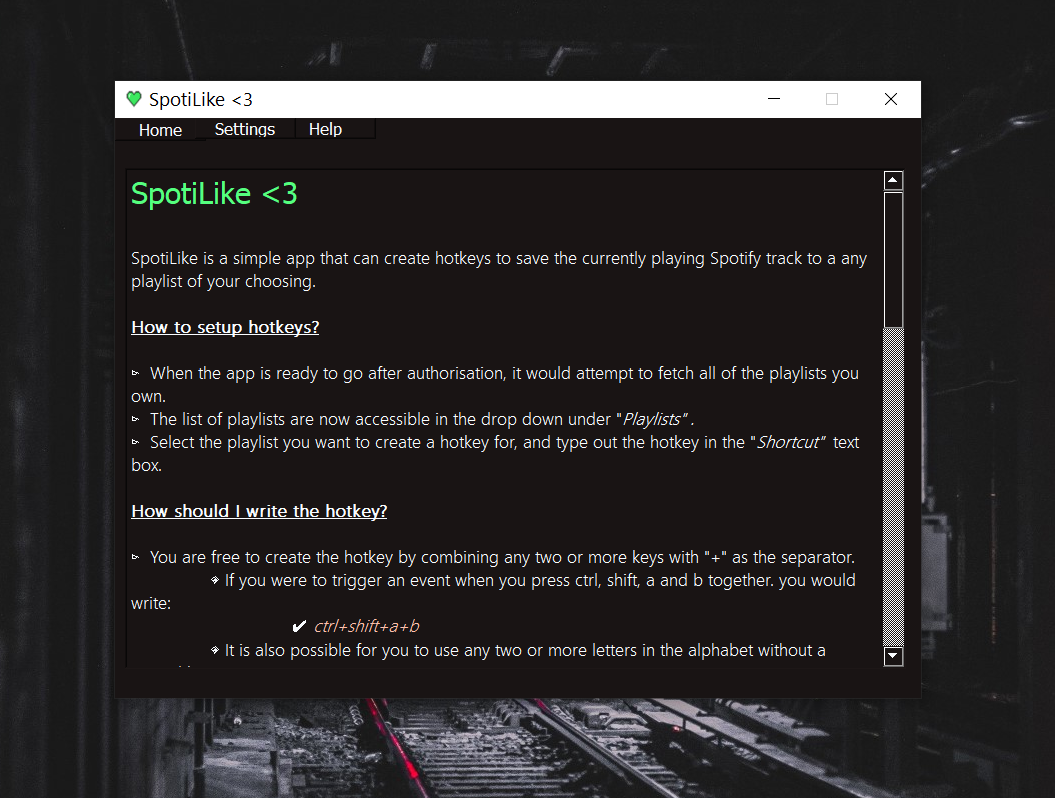
Usage
A simple guide on how to use the app is placed in the ‘
help’ tab within the app itself.
Installation
:warning: The app is still in BETA, may have so many bugs.
You can install a bundled version of the app here:
https://www.mediafire.com/file/fipz7kses6jqx9k/SpotiLike.zip/file
Bundling the app yourself
I used the package cx_Freeze to bundle the app.
You can find the setup file in src/setup.py .
Run:
$ python setup.py build
However, if you are using any other way to bundle the app, you must consider the below stated requirements:
A Spotify app should be created from the Spotify Developer Portal. Please make sure to set a Redirect URI to be
http://localhost:9000in the app settings.A valid
CLIENT_IDandCLIENT_SECRETshould be passed inSpotiLike.py. You can find these two variables at line 42 and 43.Now you can get the app working, to bundle the app, keep in mind the app requires the ‘
assets’ folder, the ‘uis’ folder and also the ‘config’ folder.assets- contains all the icons for the app and playlist image datauis- contains the user interface style files.config- contains all user settings and user data
Library requirements:
pynput - for handling keyboard events
PyQT5 - GUI
spotipy - handling Spotify data
fuzzywuzzy - match inputted hotkey strings
Leave a star!
If you found the concept behind this app useful, please make sure you leave a star on the repo! Thanks!